




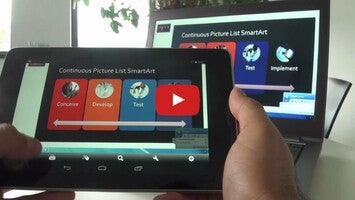
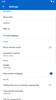
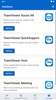

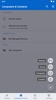
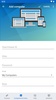

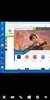
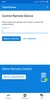

TeamViewer offers easy, quick and secure remote access to devices running Windows, Mac or Linux, making it possible for you to access all of your documents and installed apps just as if you were in front of your very own computer.
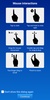
To use the app, the first and foremost thing is to have the desktop version installed on the device you want to access. Once this is done, you can access the device and perform whatever action you want since you will have a virtual keyboard on your Android device (with a Windows key included) and can perform all your normal mouse clicks (right click, left click and scroll).
As soon as you start to use it, it's like carrying your whole desktop computer in your pocket. The only downside, of course, is that you will need a fast WiFi connection for it to work well; if not, it might give you lots of problems.
TeamViewer Remote Control is a very useful tool if you travel a lot, if you have important projects on your computer, or if you simply always want to be connected to your main computer.
Requirements (Latest version)
- Android 5.1 or higher required


 8 reviews















Comments
There are no opinions about TeamViewer Remote Control yet. Be the first! Comment